On your phone
The Money Tracker works in any modern mobile browser; there’s nothing to install.
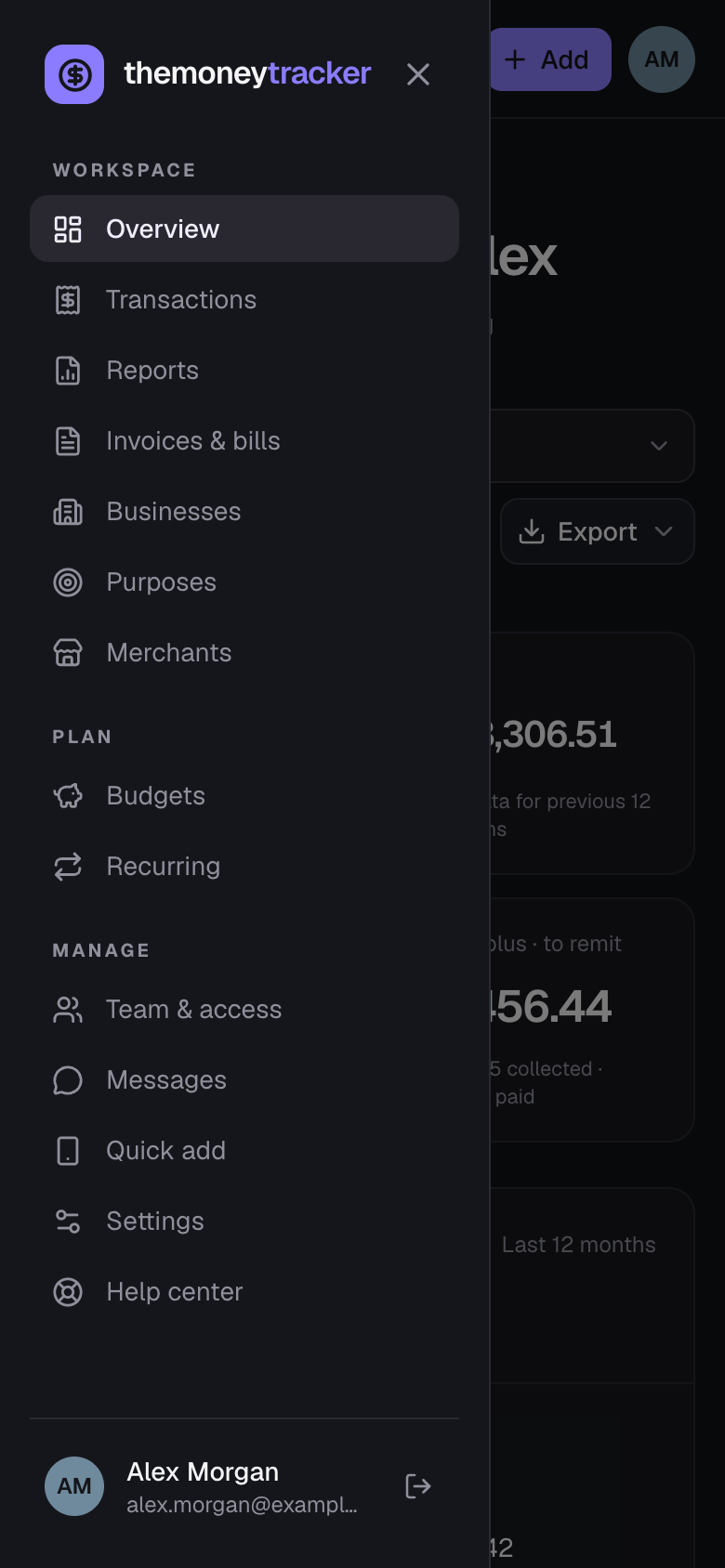
- Open the menu with ☰ in the top left; tap outside it to close.
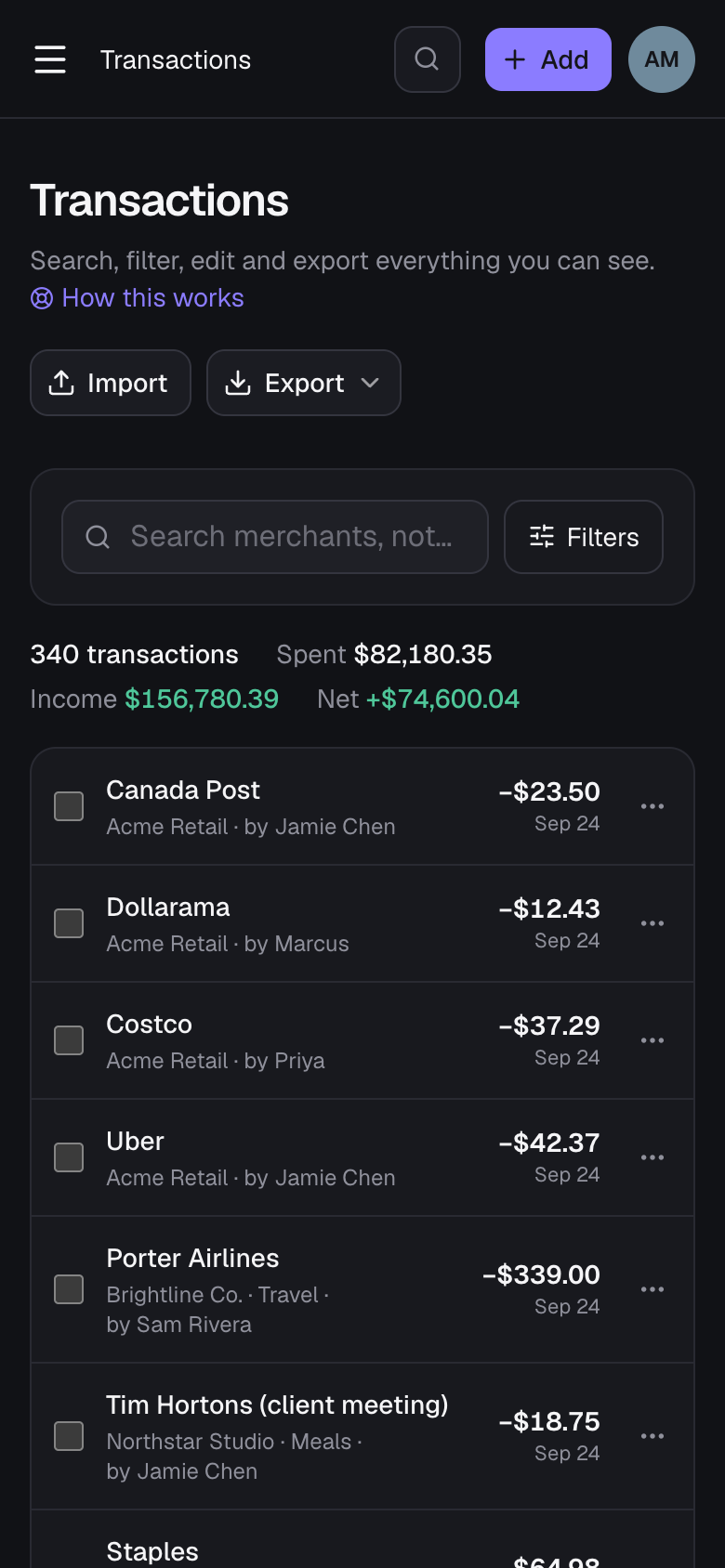
- On Transactions, extra filters sit behind the Filters button next to search.
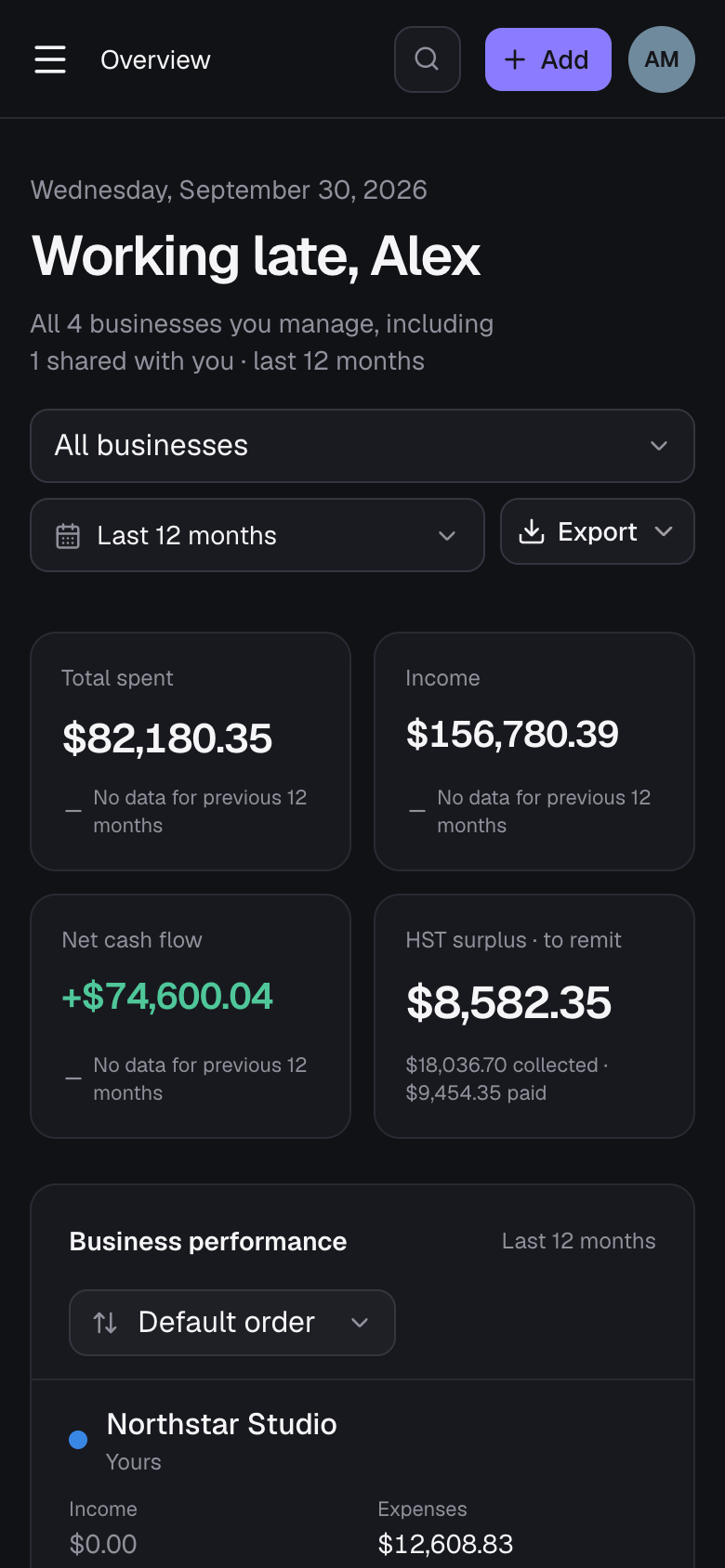
- Summary figures sit two to a row, and wide tables (like Business performance) turn into cards, so nothing needs sideways scrolling.
- Lists you can reorder have a Sort menu (the ⇅ icon) instead of clickable column headings.
- For recording on the go, use Quick add: it opens straight from the home screen without signing in.
Still stuck? See Troubleshooting, or contact the person who runs this site.